
01
Capture
Choose a purpose, shoot, and name the video when recording ends.
UNCLE STATION · Personal media made simple
Uncle Station connects phone capture, quick editing, your own Google Drive, and TV viewing without making your family learn a media server.
01
Choose a purpose, shoot, and name the video when recording ends.
02
Keep work, family, travel, hobby, and private media separate.
03
Upload to folders in your own Google Drive and verify the transfer.
04
The TV app reads the approved folders directly from the cloud.
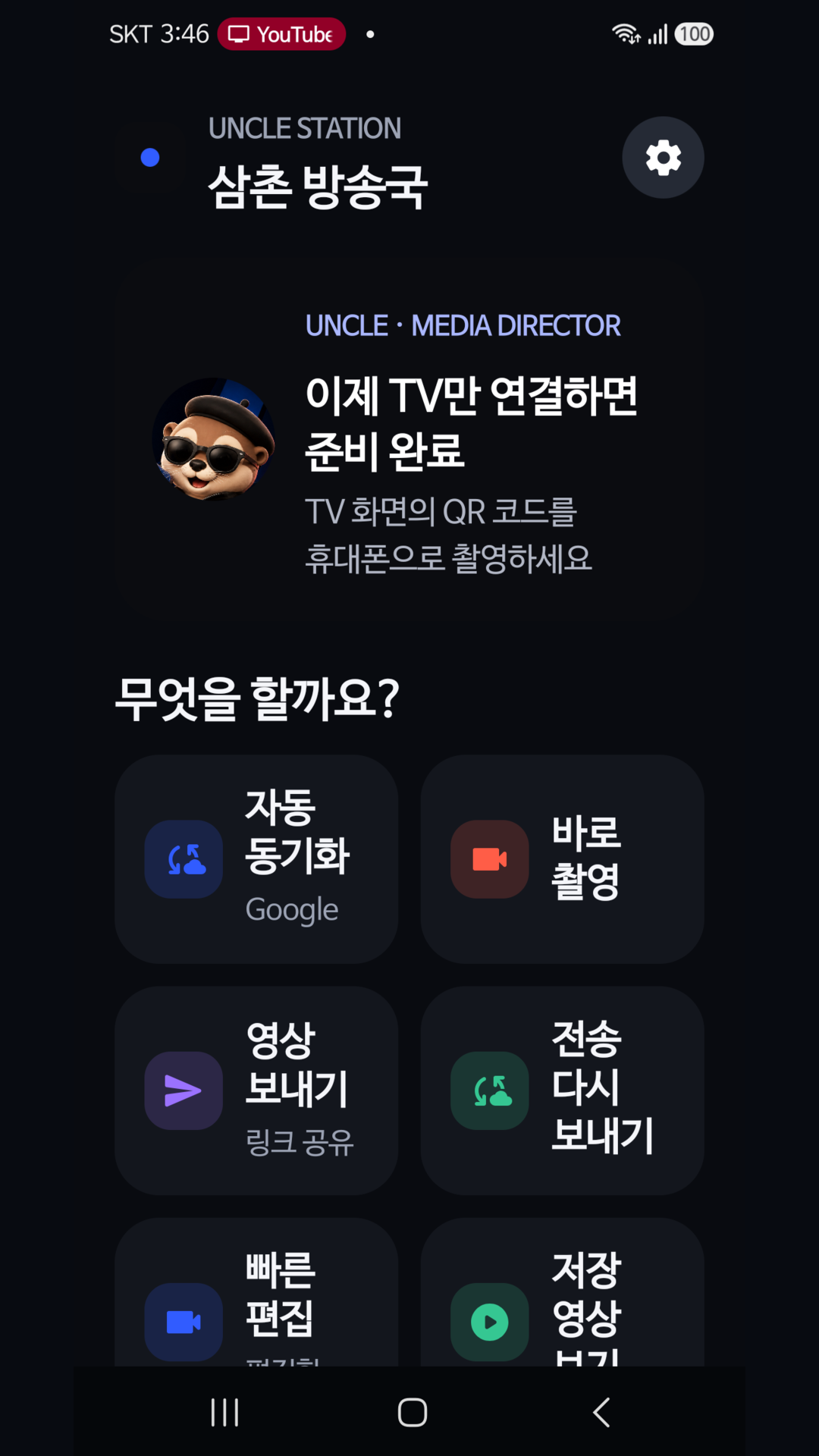
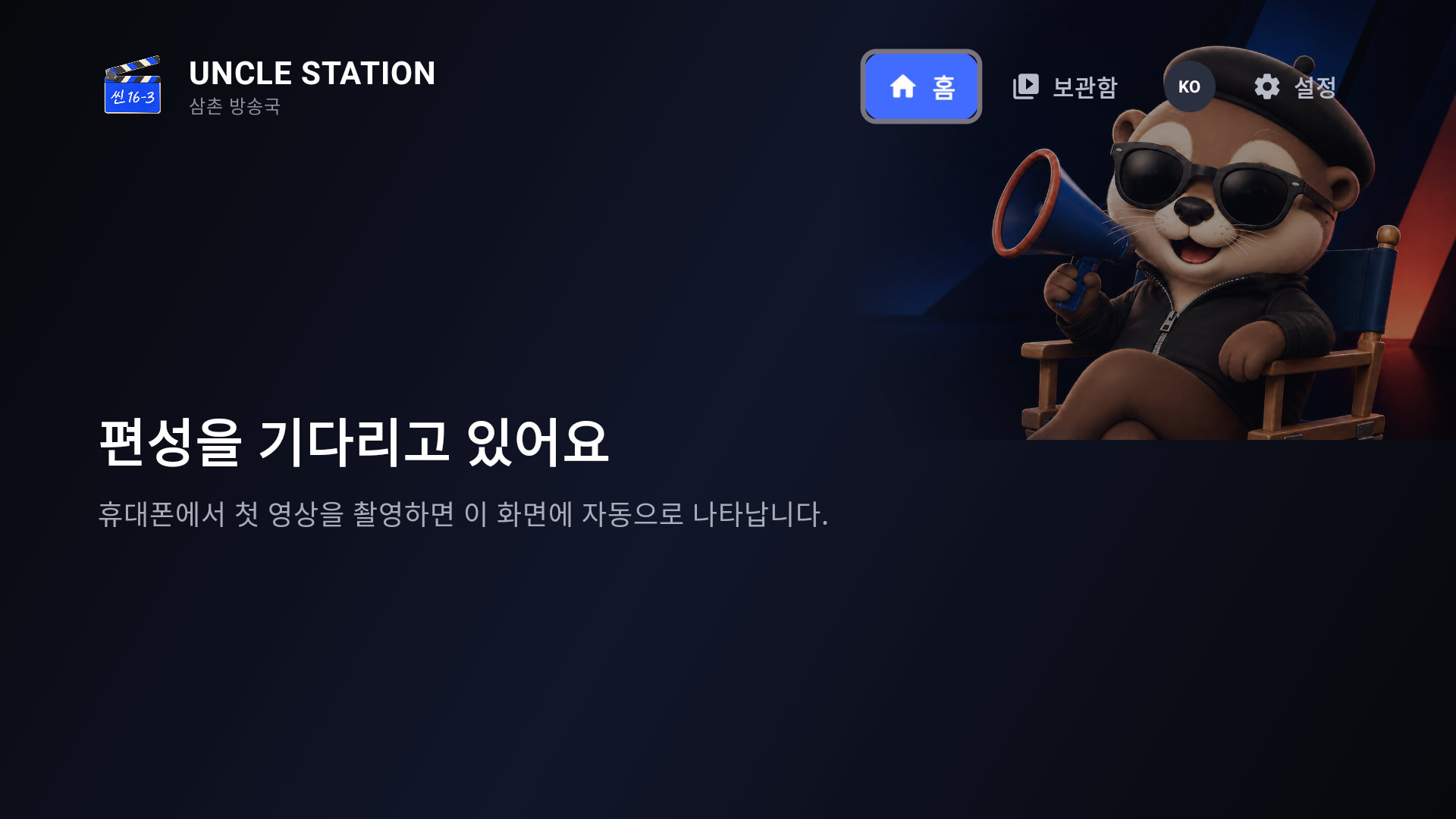
The phone decides which folders each TV may see. Video remains in the connected cloud instead of being relayed through the phone.